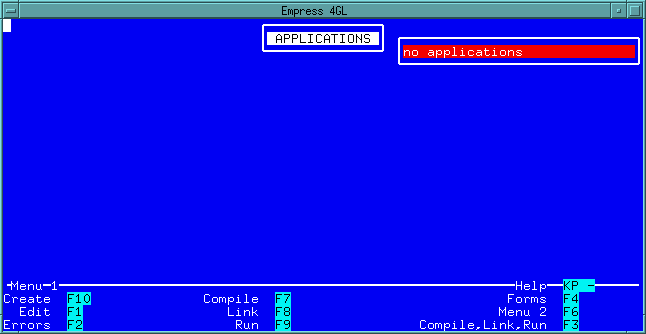
 Figure 2-1 Application Manager
The Default Application Generator only deals with one table and displays records one at a time on the screen.
The forms and the scripts for this application can be modified to meet the specific requirements.
The developer can also link this application with other Empress 4GL applications to become part of a larger application.
Step 1
From the Empress 4GL Main Menu, press the Application
Manager key to get into the Application Manager window.
Figure 2-1 Application Manager
Since there are no 4GL applications created in this database, you will see a "no applications" status message. Otherwise, the list of application names will appear in the Application area.
Step 2
Press the Menu 2 key.
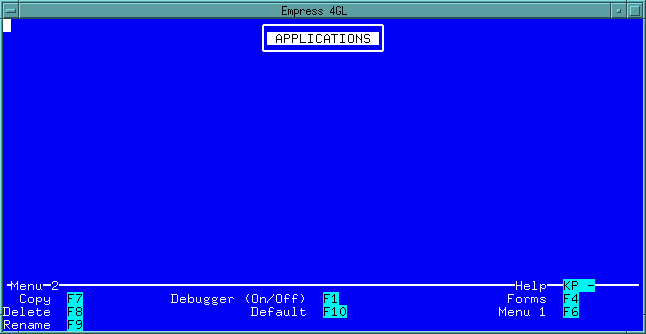 Figure 2-2 Menu 2
Step 3
From Menu 2, press the Default key. The following
screen appears:
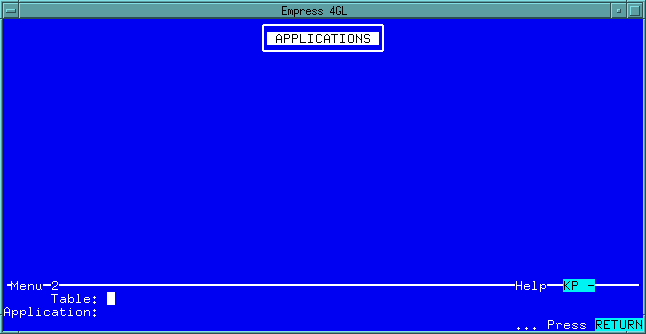 Figure 2-3 Pressing the Default Key
Since this application only deals with one table, it is often a good
idea to name the application the same as the table name. For example, the
default application name personnel for the table personnel.
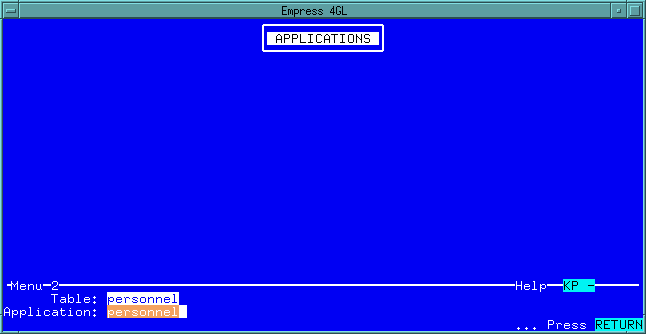 Figure 2-4 Application Names
When the <Return> key is pressed, Empress 4GL creates
a default application named personnel.
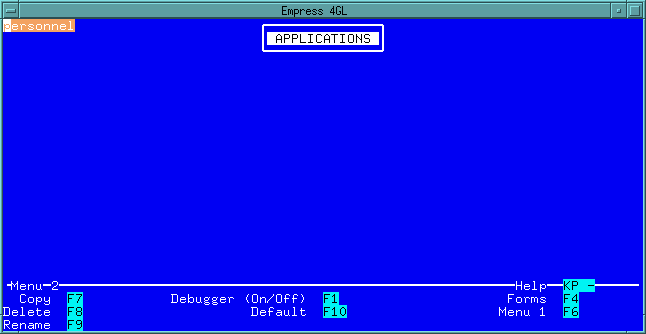 Figure 2-5 Default Application Personnel
To run the application, return to Menu 1 and press the Run key. You will see that a screen interface has been created which allows you to select, update, insert, delete and browse through records forward and backward.
The default application uses the same features as any Empress 4GL application. It uses standard script commands. The scripts and forms are stored in the Empress 4GL system tables.
Modification of the default application can be done through the Empress 4GL Form Manager and Application Manager.